Independent and unofficial. The Test Fixture is not affiliated with, endorsed by, or operated by any model developer or platform mentioned here. LTX-2.3 and related marks belong to their respective owners.
Temporal flicker is the most reported failure in AI video and the least attributed. A clip shimmers, texture crawls, or luminance pulses between frames, and the report says “the model flickers.” Sometimes that is true. Often it is not.
This post is a failure-analysis breakdown, not a model verdict. The test question is narrow: when flicker appears, how do I tell whether it came from the model, the workflow, or the review pipeline — and what evidence separates the three?
Test question
Given a flickering output, what diagnostic steps distinguish a model-level temporal limitation from a workflow-induced artifact and from a review-pipeline artifact, and what does each category look like in the recorded evidence?
This is a methods post. The examples below are drawn from my test bench and from failure patterns reported in public LTX-2.3 discussions, but the attribution rule applies to any video model.
Why “the model flickers” is a weak report
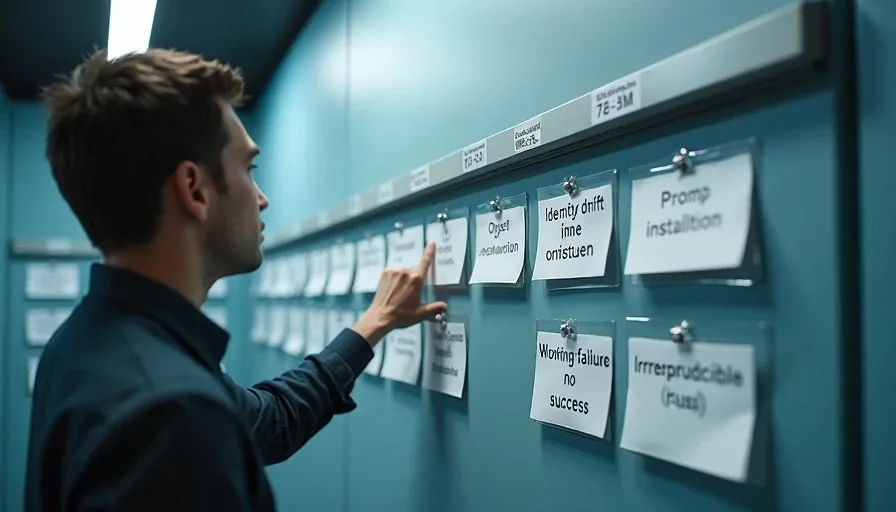
A flicker report without attribution is hard to act on. Three people can report the same visual symptom and need three different fixes:
If it is a model limitation, the fix is prompt, duration, resolution, or accepting the limit.
If it is a workflow mistake, the fix is in the pipeline: interpolation, encoding, frame handling, node versions.
If it is a review-pipeline artifact, there is no model problem at all, and the “fix” is a better review path.
Treating all three as “model flicker” sends readers to the wrong fix and, over time, builds a false picture of what the model does. That is why flicker belongs in Failure Analysis with a category and an attribution field, not in a comment thread.
The diagnostic sequence
I run flicker diagnosis in this order, cheapest and most likely cause first. The order matters: if I start by blaming the model, I stop looking before I reach the workflow.
Step 1 — Review the source frames, not the preview. Judge flicker on decoded frames or a lossless frame sequence, not on a compressed preview or a screen recording. A lossy preview can introduce banding, blocking, and pulsing that looks exactly like flicker. If the flicker disappears when I review frames directly, it was a review-pipeline artifact, and the report changes category.
Step 2 — Check the frame extraction and encoding path. Frame rate conversion, interpolation, and re-encoding can create flicker. If the pipeline interpolated frames, I disable interpolation and rerun. If the output was re-encoded before review, I review the pre-encode file. Workflow-induced flicker is common and cheap to rule out.
Step 3 — Rerun the same seed. File-level reproducibility matters here. If the same seed produces the same flicker at the same frame range, the flicker is deterministic under these conditions. If it does not, the flicker may be stochastic, and I need more runs before I call it a pattern.
Step 4 — Change one variable. Resolution, duration, motion setting, sampler, or steps — one at a time. If flicker disappears when I lower the motion setting, I have a conditional observation, not a model verdict. If it survives every single-variable change, the case for a model-level limitation gets stronger.
Step 5 — Check the environment. Driver, runtime, custom node versions, and quantization. A dependency change can move output behavior. If a known-good environment snapshot produces no flicker and the current one does, the environment is a suspect until ruled out.
Step 6 — Record frame ranges and sample counts. “It flickers” is not a record. “Luminance instability around frames 48–61 in 4 of 10 runs at 720p” is. Without frame ranges and counts, the failure cannot be compared across versions.
What each category looks like
Model-level temporal limitation. Flicker appears across multiple seeds and survives single-variable changes; it concentrates in regions of high motion, fine texture, or rapid lighting change; it is consistent in frame range across runs; and it is not explained by the environment. This is the hardest category to establish, and it requires the most runs. A single clip is not enough.
Workflow-induced failure. Flicker appears only after a pipeline step: interpolation, frame-rate conversion, encoding, upscaling, or a node version change. It often has a regular cadence tied to the pipeline (every N frames, at scene boundaries, or after a resize). Disabling the step removes the flicker. This category is the most common and the least reported, because the workflow is often invisible in a shared clip.
Review-pipeline artifact. Flicker is visible in the preview but not in the decoded frames. It scales with compression level or playback speed. It is a property of how the result is being watched, not of the result. The correct report is “no flicker found in source frames; preview artifact,” and it should not be filed as a model failure at all.
Undetermined. Flicker is reproducible but I have not separated the causes. This is a valid category and will be used. An undetermined report with a diagnostic log is more useful than a confident wrong attribution.
A worked example from the bench
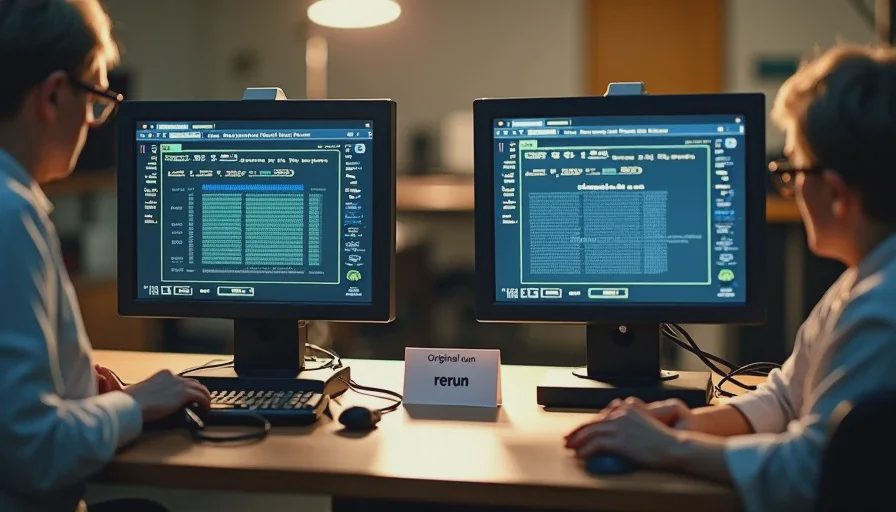
In the camera-direction test I published earlier, I noted a brief luminance shift around a door frame in one run and explicitly did not categorize it as temporal flicker. That was deliberate. I had reviewed the clip at normal speed on a compressed proxy. I had not reviewed decoded frames, had not ruled out the encoding path, and had not rerun the seed.
Under this diagnostic sequence, that observation sits at undetermined. The next step is to extract the frames around the shift, review them losslessly, and rerun the same seed. If the shift appears in the decoded frames at the same range, it moves toward a model-level or workflow-level candidate. If it does not, it was a preview artifact and gets recorded as such.
This is what “the failure case is part of the result” means in practice. The unconfirmed observation stays in the record with its status visible, instead of being promoted to a finding because it looked dramatic.
Failure entry format
Every flicker report on this site will use the standard failure fields:
Test question. What the run was supposed to show.
Conditions. Configuration reference, seed, run number, hardware and software versions.
What failed. Frame range, description before interpretation, and whether it was visible in decoded frames or only in preview.
How often. Sample count and failure rate, not a single anecdote.
Reproducible? Yes, no, or partial, with the rerun described.
Attribution. Model, workflow, review pipeline, or undetermined.
What would change the conclusion. The condition that would move the flicker to a different category.
What this post does not show
It does not establish that LTX-2.3 has or does not have a temporal flicker limitation. That would require a multi-seed, multi-condition test set with frame-level analysis, and this post is a diagnostic framework, not that test. It does not rank flicker severity against other models. It does not claim the diagnostic sequence is complete; it is the sequence I use, and it will be revised when it misses a case.
The configuration is part of the result. A successful sample is evidence. It is not a warranty.
If it can’t be reproduced, it’s a story—not a result.